Checking Results, Slot Games
A practical guide to checking results for slot games: the steps, the limits and the common mistakes.
What Is Checking Results in Slot Games?
Checking results in slot games refers to the process of reviewing the outcome of each spin, including which symbols landed, which paylines triggered, how much was won or lost, and how that result was calculated. On slot-to-win.com, every spin outcome is determined by a certified Random Number Generator (RNG), meaning results are fixed the instant you hit Spin. Checking results is not just about seeing a win or loss figure; it means understanding the full breakdown behind every round so you can verify payouts, manage your bankroll in INR, and raise an informed dispute if something looks wrong.
RNGs used by reputable slot game providers, Pragmatic Play, NetEnt, Play'n GO, Evolution Gaming, are independently audited by laboratories such as eCOGRA, iTech Labs, and BMM Testlabs. These audits certify that no spin outcome can be predicted or manipulated. When you check a result, you are reading data generated by a process that has been externally verified to be random. This certification detail matters because it confirms the result in your history log is the authoritative record, not an estimate or approximation.
Unlike a hand of Rummy or a Teen Patti round visible to multiple players, your slot spin result is private and device-specific, making your own result-checking habits the only safety net.
In the Indian online gaming context, players commonly check results for three specific reasons. First, verification: confirming that a payout matches the paytable for the combination that landed. Second, dispute resolution: if a spin result looks incorrect, a recorded result log gives you evidence to contact support with a specific round ID rather than a vague complaint. Third, bankroll tracking: reviewing session results helps you monitor net loss or gain against your deposit in INR, especially relevant when deposits are made via UPI methods like PhonePe, Google Pay (GPay), or BHIM, where real money transfers are instant and sessions can escalate quickly without a running total in view.

A single spin can trigger multiple overlapping outcomes, base win, multiplier, bonus feature activation, and each component may appear as a sub-entry under one round ID in your game history panel. For example, a spin on a cascading-reel slot like Gates of Olympus might produce an initial win, then a cascade producing a second win, then a multiplier applied at the end. All three stages sit under one round ID. Knowing this structure lets you read a result log accurately rather than misreading a single sub-entry as the full spin outcome.
How Checking Results Works in Slot Games
Most slot games on slot-to-win.com generate a result record automatically after every spin. Here is the step-by-step process of how that result is created and where you access it:
- Spin is placed: You set your bet size in INR and press Spin. Common bet sizes for Indian players range from ₹10 per spin at the lower end to ₹500 to ₹2,000 per spin for higher-volatility sessions. The RNG instantly generates a number sequence that maps to a specific reel outcome. This happens before any animation plays, the visual spin is cosmetic, not functional.
- Reel symbols resolve: The mapped symbols land on each reel. The game engine checks every active payline for matching combinations from left to right (or by cluster, depending on the mechanic). A standard 5-reel, 20-payline slot checks all 20 lines simultaneously; a cluster-pay slot like Sweet Bonanza checks groups of 8 or more matching symbols instead.
- Win calculation runs: Each winning combination is multiplied by your line bet. Scatter pays, multipliers, and bonus triggers are calculated on top. The total is added to your balance in real time. For example: bet ₹100 on a 20-line slot (₹5 line bet). Three Wild symbols on a payline with a 25× multiplier pay ₹5 × 25 = ₹125 for that line. If two other paylines also hit smaller combinations simultaneously, each is calculated separately and summed.
- Result is logged: The full spin record, bet amount in INR, win amount in INR, game ID, spin ID, timestamp in IST, and symbol positions (where supported), is stored in your account's transaction or game history server-side, independently of your device or browser session.
- You access the log: Navigate to My Account > Game History or Transaction History on slot-to-win.com. Filter by date range or game title to locate a specific spin. Each entry shows the round ID, which you can quote to customer support for any query.
Reading the Paytable Against Your Result
To verify a result manually, open the paytable (usually the ≡ or i icon inside the game) while reviewing the spin screenshot or replay. Match the landed symbol combination to the paytable multiplier, then apply it to your bet-per-line value. For a concrete example: you are playing Wolf Gold (Pragmatic Play) at ₹50 per spin across 25 lines, a line bet of ₹2. The paytable shows that 5 Wolf symbols pay 5,000× the line bet.
If five Wolves land: ₹2 × 5,000 = ₹10,000. If your result log shows ₹10,000 credited for that round, the result is confirmed correct. Any figure significantly different warrants a support query with the round ID attached.
A common point of confusion: some slot UIs display the total bet multiplier rather than the line bet multiplier. If the paytable says "500×" and your total bet is ₹50, the win is ₹50 × 500 = ₹25,000. Verify which basis the game uses by checking whether the paytable header reads "per line" or "total bet." This distinction is documented in the game rules, accessible from the same paytable menu, never skip this check before calculating an expected payout.
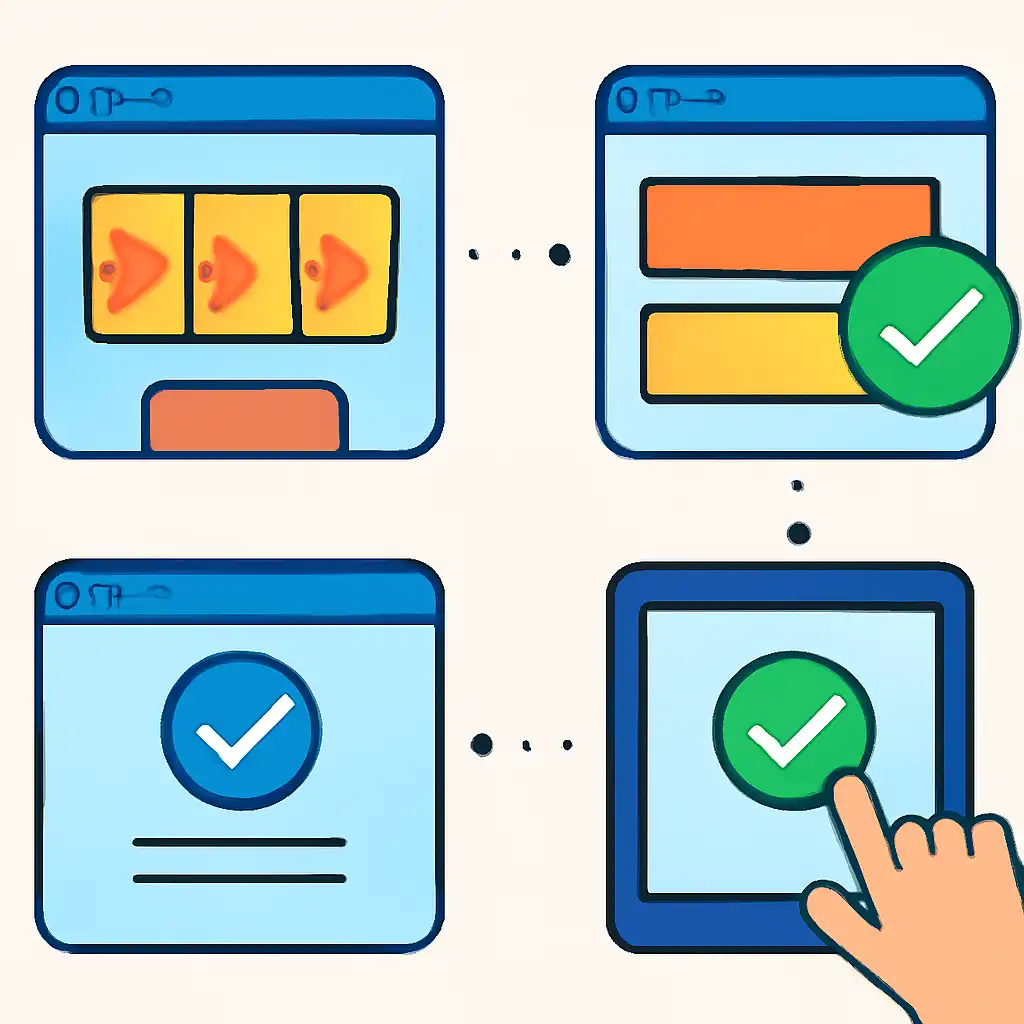
Using the Spin Replay Feature
Several premium slot titles include a spin replay option inside the game history panel. Selecting a past round re-animates the exact spin, same symbols, same positions, same win path highlighted. Titles from Pragmatic Play and NetEnt are most consistently equipped with this feature. Replay is particularly useful for bonus rounds: if you triggered free spins but lost track of individual spin wins during the feature, the replay shows each free spin outcome in sequence, letting you confirm the cumulative total matches what was credited to your INR balance.
Comparing Game History vs. Transaction History
Slot-to-win.com maintains two separate logs. Game History shows spin-level detail, every individual round, the bet, the win, and the game name. Transaction History shows balance-level events, deposits, withdrawals, bonuses credited, and session net results. If your game history shows ₹800 total wins across a session but your transaction history shows only a ₹750 net credit, the ₹50 difference may reflect a wagering requirement deduction on a bonus. Always check both logs together when your closing balance does not match your expected session result, rather than assuming a spin result was missing.
Checking Results on Mobile
The majority of slot game sessions in India happen on mobile, industry data consistently shows over 70% of online gaming traffic in India originates from smartphones, primarily Android devices including Redmi, Realme, and Moto G series handsets. Knowing exactly where and how to check results on a smaller screen matters because mobile interfaces compress menus that are easily visible on desktop, and a misread result on a small display can lead to unnecessary support queries or missed discrepancies.
Step-by-Step: Checking Results on Android or iOS
- Finish your slot session and tap the hamburger menu () or your account avatar in the top-right corner of the screen.
- Select My Account, then tap Game History or Bet History depending on your account interface version.
- Use the date filter to narrow results to today or a custom range. On mobile, this appears as a calendar icon or a "From / To" date selector. For sessions funded via PhonePe or GPay earlier the same day, today's filter is sufficient.
- Tap any individual spin entry to expand it. You will see: game name, spin timestamp in IST, bet amount in INR, win amount in INR, and a unique round ID.
- If the game supports spin replay on mobile, a Watch Replay or View Round button appears at the bottom of the expanded entry. Tap it to reload the game and replay that exact spin within the game client.
Reconciling UPI Deposits with Slot Results on Mobile
Many Indian players deposit via PhonePe, GPay, or BHIM UPI directly from their mobile banking app, then switch immediately to the slot game. To reconcile a specific deposit with the spins it funded, open your PhonePe or GPay transaction history and note the exact deposit amount and the UPI Transaction Reference (UTR) number. In your slot-to-win.com account, go to Transaction History, find the matching deposit entry, and confirm the INR amount and timestamp align.
Then switch to Game History and filter from that deposit timestamp onward, the spins appearing after that point represent the session funded by that specific deposit. This three-step cross-reference (UPI app → Transaction History → Game History) gives you a complete picture of how a single deposit was spent across individual spins, which is especially useful for weekly budget reviews.

Mobile-Specific Tips
- Screenshot before leaving the game. On mobile, navigating away can clear the in-game win display. Take a screenshot of any significant result, particularly bonus round totals, before tapping elsewhere. Android: power + volume down. iPhone: power + side button or home button. Screenshots timestamp automatically in your gallery.
- Check results on Wi-Fi. Loading full game history on 4G/5G can be slow when the log contains hundreds of spin entries. Use Wi-Fi for reviewing multiple rounds or watching replays to avoid timeout errors cutting off a replay mid-animation.
- Pinch-to-zoom the paytable. Mobile paytables can be small. Pinch-to-zoom inside the in-game paytable overlay to read multiplier values accurately. Most slot clients support pinch-zoom within the paytable screen without distorting the layout.
- Note the IST timestamp. Spin logs display in Indian Standard Time (UTC+5:30). If you played after 11:00 PM IST, your results may show under the next calendar date in UTC-based logs. Always confirm the timezone label shown in the history panel, on slot-to-win.com this is displayed as "IST" next to each timestamp.
Mobile Browser vs. Dedicated App: Result Access Compared
If you access slot-to-win.com through a mobile browser (Chrome on Android, Safari on iOS) rather than a dedicated app, the game history is stored server-side, not locally in the browser. Clearing your browser cache or cookies does not erase your result history. Your full spin log remains accessible from any device once you log in. The practical difference: a dedicated app pre-loads your account data and typically reaches the game history screen in one to two fewer taps than a browser session that requires re-authentication.
For casual result checks after a short session, the browser is adequate. For detailed multi-day result reviews with replay, the app experience is faster on mid-range Android handsets common across India.